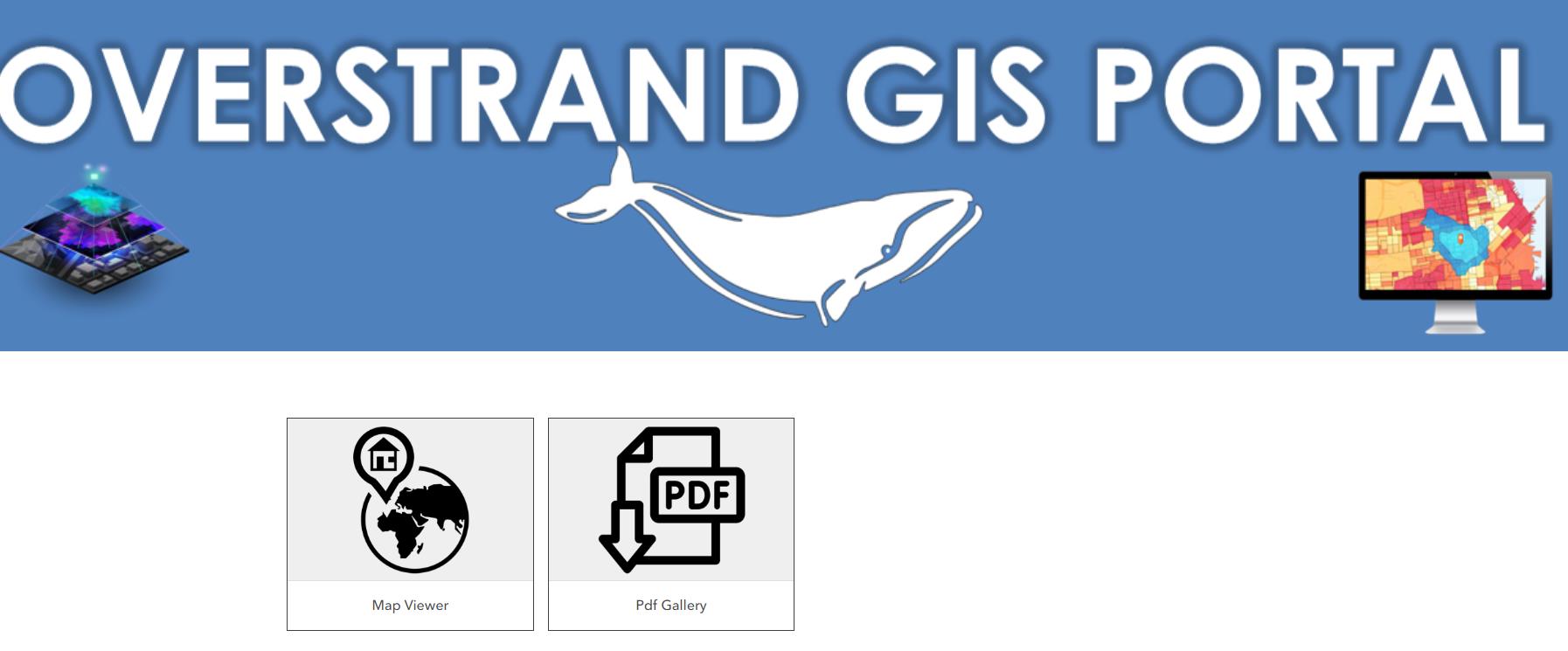
The Geographic Information Systems (GIS) Section has added geographical value to the Overstrand Municipal web page with the GIS mapping link that now boasts not only a Map Viewer but a PDF Gallery as well.
This Overstrand Maps/GIS link can be found on www.overstrand.gov.za under the Eskom logo (almost in the middle of the page on the right-hand side).
After clicking on the GIS link you will see the two icons: a ‘map viewer’ and a ‘PDF Gallery’.
The map viewer has a toolbar on top of the page where the information button can be found. This button will give you an overview regarding the information available for this map - for example, zoning, heritage, sewage lines and property-based info, to name but a few. The property layer associated with this map is updated regularly.
The second icon, the PDF Gallery, is a compilation of static downloadable area maps.
Once you download the PDF to your device, you can use it in the same way as on an online map by simply zooming in or out. The downloaded map can also be printed.
The maps are based on suburbs and divided into sections that include features like street names, street numbers and erf boundaries with erf numbers.
These downloadable maps will be updated at least once a year.
For the quick link to the Overstrand Web Maps click here https://overstrand.maps.arcgis.com/home/index.html. Should you need assistance to navigate within the Overstrand Web Maps, please call the Overstrand Municipality’s GIS Department on 028 313 8910